

What do I need before I start?
You need one sharp photo of the product, one sentence about who the ad is for, and one message you can stand behind. That is enough to start. You do not need a script, a location or a person on camera.
If you have no photo yet, take one with a phone against a plain wall in daylight. A clear photo of the whole item beats a stylish photo where the label is hidden.
I wrote a longer guide on photos and briefs in how to brief an AI video so the product stays consistent, so here I will stay on the process.
What are the stages inside the studio?
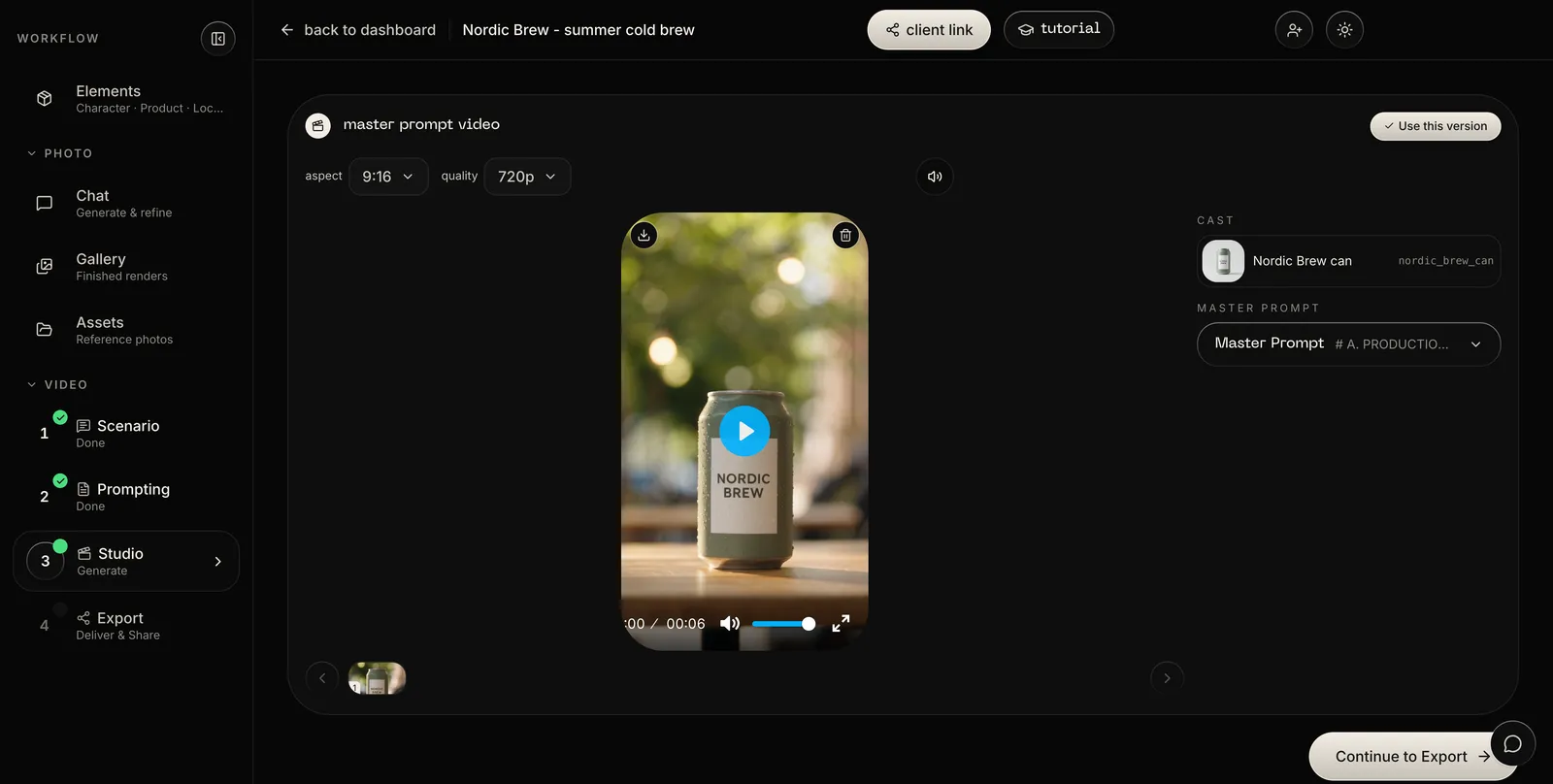
The studio works in five stages: idea, storyboard, assets, scenes and export. You move through them in order, and you can go back to an earlier stage if something is wrong.
- Idea: the brief and the single message of the ad.
- Storyboard: the scene list, written out before anything is generated.
- Assets: the product, any character and the setting, saved as elements.
- Scenes: the generated clips, with takes you can compare.
- Export: sound, the final cut and the file in the ratio you choose.
The order matters because the cheap mistakes are early. A wrong line in the storyboard costs you a minute. A wrong scene costs credits.
How do I write the brief?
Write it in four short parts: who it is for, the one message, the setting, and the details that must not change. Two or three sentences for each part is plenty.
Skip words like premium and modern, because there is nothing to check afterwards. Write what you can see: a glass bottle on a wooden shelf, soft morning light, the label facing the camera. When the result is off, you will know which line to change.
What should I check in the scene list?
Check that every scene has a job and that no scene repeats another. The scene list shows each moment before generation, so this is the cheapest place to edit.
- Delete a scene that says the same thing as the one before it.
- Add the locked details, such as the color of the cap, to every scene that shows the product.
- Rewrite any scene that asks for several things at once. One change per scene is safer.
- Read the order out loud. If it does not tell one story with one message, reorder it.
How do I generate and fix the scenes?
Generate the scenes, watch each one at full size, and regenerate only the scenes that miss. You do not have to redo the whole video. A single scene can be regenerated while the rest stay as they are.
Compare every scene with the real item. Look at the logo, the small print, the number of items in frame and any place where a hand touches the product.
These are the places where generated video drifts. Credits are returned when a generation fails, but a scene that completes and looks wrong still costs credits, so budget a spare take for the close-ups.
How do I add sound?
Add sound in the editor, in the same workspace, before you export. The draft sound comes from the studio. HubContent does not clone a voice and does not promise a lip-synced presenter, so plan the ad around action, the product and on-screen text and not around a long spoken monologue.
If you want a particular track from a platform library, add it inside that platform when you publish, and follow its rules.
Which file should I export?
Export the ratio of the slot where the ad will run. The studio exports 1:1, 4:5, 3:4, 9:16, 16:9 and 4:3, in 720p, 1080p or 4K, without a watermark. Pro adds 4K export.
- 9:16 for Stories, Reels and short vertical video.
- 4:5 for the feed.
- 16:9 for a website banner or YouTube.
- 1:1 where a square fits.
HubContent does not post for you. You download the file and publish it from your own account.
What does the whole process cost?
One 15 second 720p video is 515 credits, or $5.15. Starter is $9 a month and is meant for a personal test on your own photo.
Creator is $39 a month, grants 3,900 credits and makes about 7 videos of 15 seconds. The commercial license starts at Creator, so a video that will run as an ad needs Creator or higher.
Add the cost of retakes before you compare prices with anything else. I walk through that in AI video ad vs UGC creator: what does each one cost?.
What usually goes wrong the first time?
The first video usually has one or two scenes where fine detail has shifted, and a brief that was too vague. Both are fixable. Tighten the line in the brief, regenerate the scene and compare again.
Do not judge the studio on the first take of one scene. Judge it on your own product after you have fixed the weak scenes. If you want to try it, the page for brands shows the flow from the first photo.