
For online stores
AI product video maker for online stores
HubContent is a product video maker for online stores: add a photo of an item, and the studio builds the scenes and sound of a short video that you export for the product page or for ads. Creator is $39 a month with a commercial license.
Ads and store use need Creator or above. Starter is for a personal test.

 Your photo
A skincare bottle photo and the video made from it
Slide to the right to see the finished clip over the original product photo.
How a store item becomes a video

Add one item
Upload the catalog photo of a single item and note the feature a shopper should notice first.
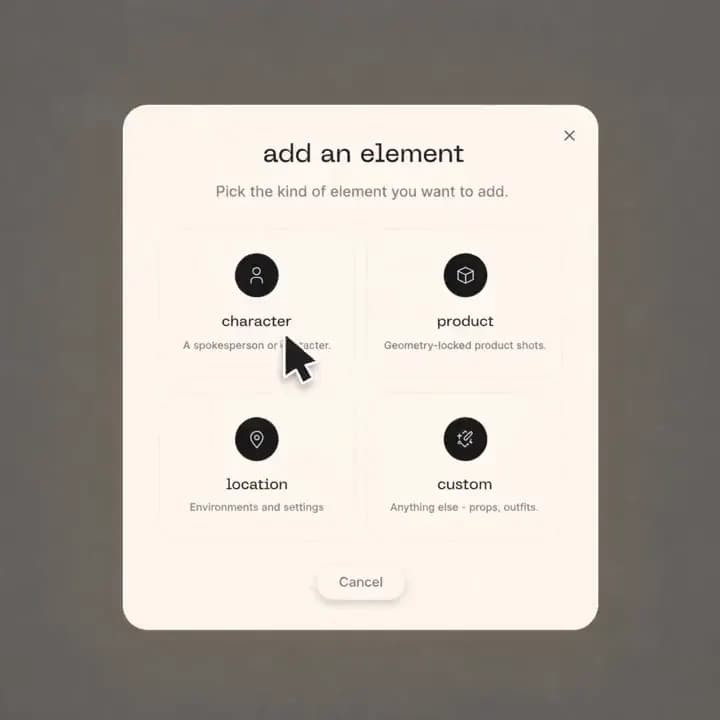
Choose the scenes
The studio proposes scenes that show the item in use and up close. Delete the ones that repeat each other and rewrite the rest.
Export what the page needs
Add sound, regenerate the weak scenes and export the ratio for the page or the ad, with no watermark.
What a catalog video costs
A 15 second 720p video is 515 credits, $5.15.
- Creator, $39 a month, makes about 7 videos of 15 seconds.
- Pro, $99 a month, makes about 19 videos of 15 seconds and adds 4K export.
- Starter, $9 a month, is for a personal test on your own photo, and the commercial license starts with Creator.
Spread the credits over your best sellers first, then repeat the same project settings for the next items.
See HubContent for online sellersQuestions from store owners
How many products can I cover in a month?
It depends on the plan and on how many takes you keep per item. Count one video per item, add a spare for any item that needs a second try, and compare it with the credits of the plan.
Which items should get a video first?
Start with the items that already get traffic but few orders, then the items with the highest margin. Video helps most where shoppers need to see size, movement or texture.
Is a video better than more photos?
It answers different questions. Photos show detail, while a short clip shows how an item moves, folds, pours or sits in a hand.
Can I reuse one look across many items?
Keep the style notes of the project and apply them to each new item, so a catalog shares one mood. Check every video against its item before publishing.
Do I keep the video without a watermark?
Yes. Exports carry no watermark, so the clip can go straight onto a product page.
Start with your best-selling item
Add its catalog photo and see the first scenes of its video.
Start with Creator, $39