
UGC-style ads
AI UGC ads for product brands
HubContent makes UGC-style ads for product brands: you define a character, add your product photo, and the studio builds a handheld, creator-looking ad scene by scene. Creator is $39 a month with a commercial license.
Ads and store use need Creator or above. Starter is for a personal test.
 Your photo
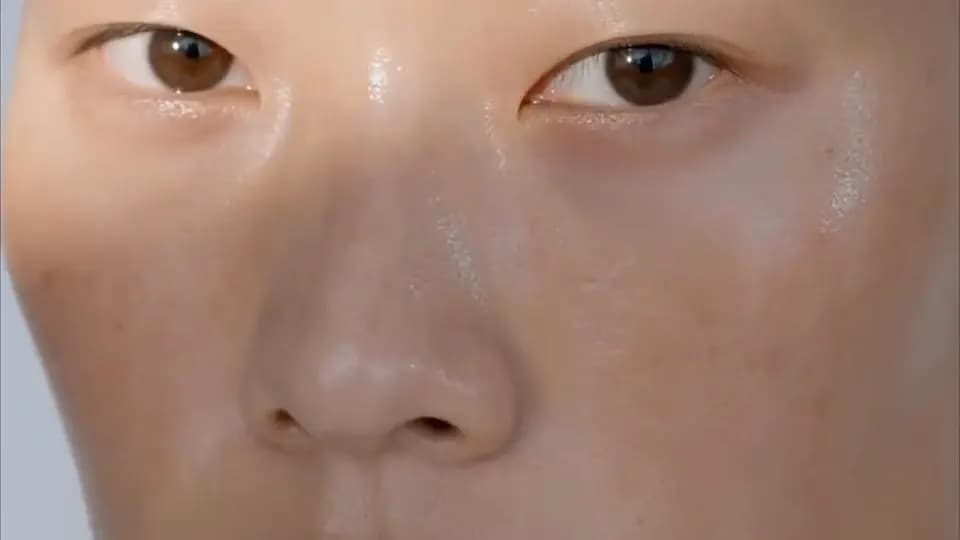
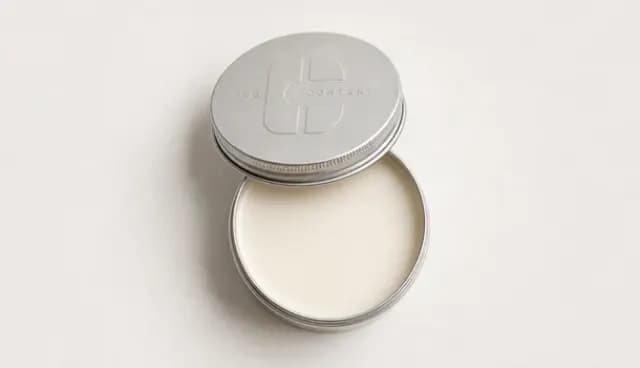
A skincare photo becomes a creator-style clip
The left side is the product photo you upload. The right side is a clip generated from it with a casual look.
How a UGC-style ad gets built
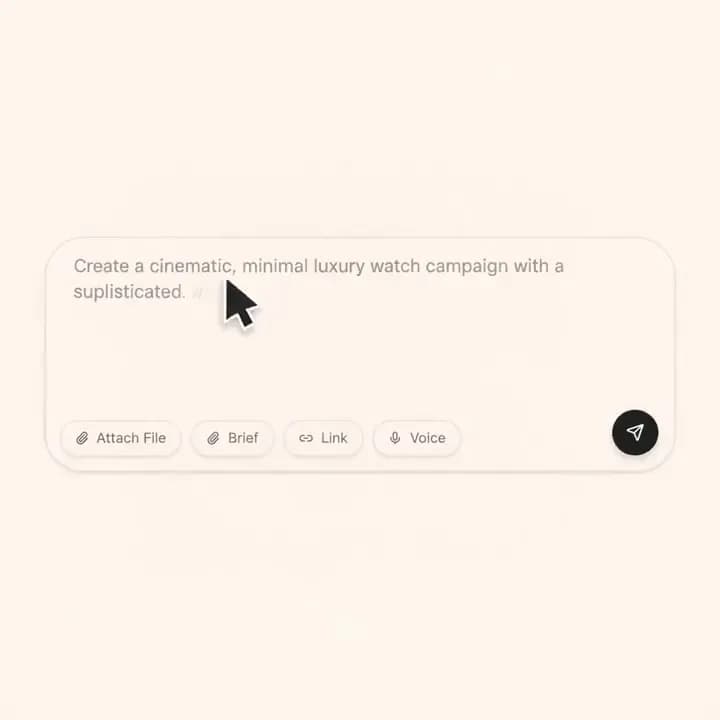
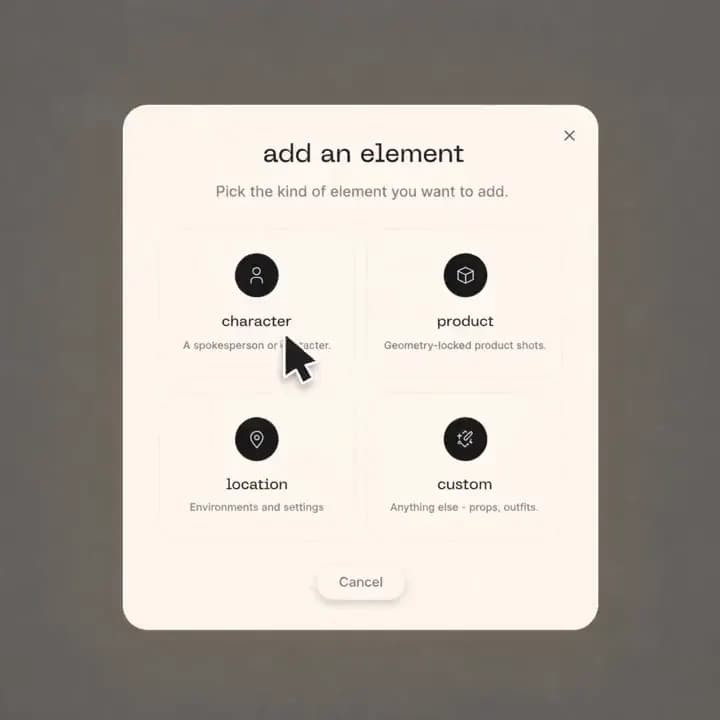
Define the character and the product
Describe the person who appears in the ad and add your product photo. Both are saved as elements and carry through every scene.
Write the creator-style scenes
Ask for the casual look in the brief: phone-height framing, a bathroom shelf or a kitchen counter, natural light. The scene list shows each moment before anything is generated.
Pick takes and export vertical
Regenerate the scenes that miss, add sound, and export in 9:16 for TikTok or Reels.
What a UGC-style ad costs to make
A 15 second 720p video is 515 credits, $5.15.
- Creator, $39 a month, makes about 7 videos of 15 seconds.
- Pro, $99 a month, makes about 19 videos of 15 seconds and adds 4K export.
- Starter, $9 a month, is for a personal test on your own photo, and the commercial license starts with Creator.
UGC testing usually means several short variations, so budget by the number of 15 second takes you want to compare.
See HubContent for product brandsQuestions about AI UGC ads
Are the people in these ads real customers?
No. The people are AI characters, so never present the ad as a testimonial from a real buyer. Write the copy as a brand message, not as a customer review.
Does the character talk to camera?
HubContent builds the scene and the sound, but it does not clone a voice and it does not promise a lip-synced presenter. Plan the ad around action, product handling and on-screen text rather than a long monologue.
How do I get the creator look instead of a glossy commercial?
Describe the camera as a phone held at arm length, keep the rooms ordinary and the light natural. Prompts full of studio words push the result toward a polished commercial.
Do I have to say the ad is AI-made?
Read each ad platform current rules on AI-generated content before you launch and follow them. Disclosure rules differ between platforms and change over time.
Can a client approve the ad before it runs?
Yes. Send a review link, the client leaves comments on the video, and you deliver the approved version.
Test a creator-style ad on your own product
Add your photo, define the character and look at the first scenes.
Start with Creator, $39