
Ad volume and variations
AI video ad generator for product brands
HubContent generates video ads for product brands from one brief and one product photo, and you reuse the same project to produce more versions by changing the hook, the scenes or the ratio. Creator is $39 a month with a commercial license.
Ads and store use need Creator or above. Starter is for a personal test.

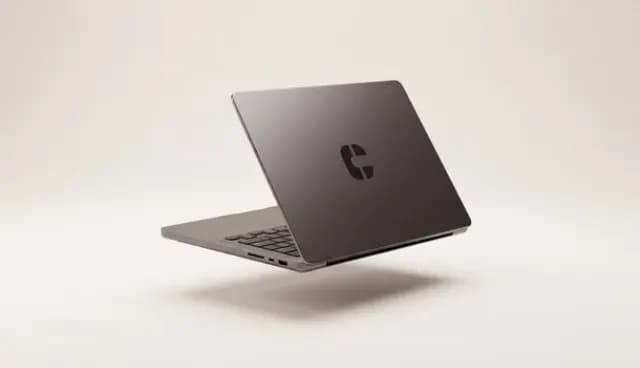 Your photo
A founder at a laptop and the ad that came from the idea
Drag across the frame: the starting photo is on the left and the generated ad clip is on the right.
How one brief turns into a set of ads
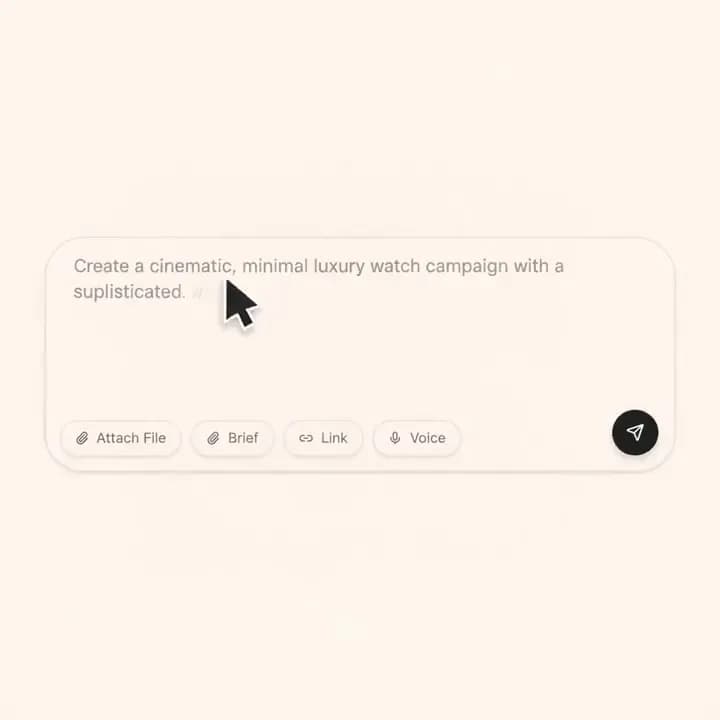
Write the brief once
State the product, the audience and the single message of the ad. The brief and the product photo become the base of every version.
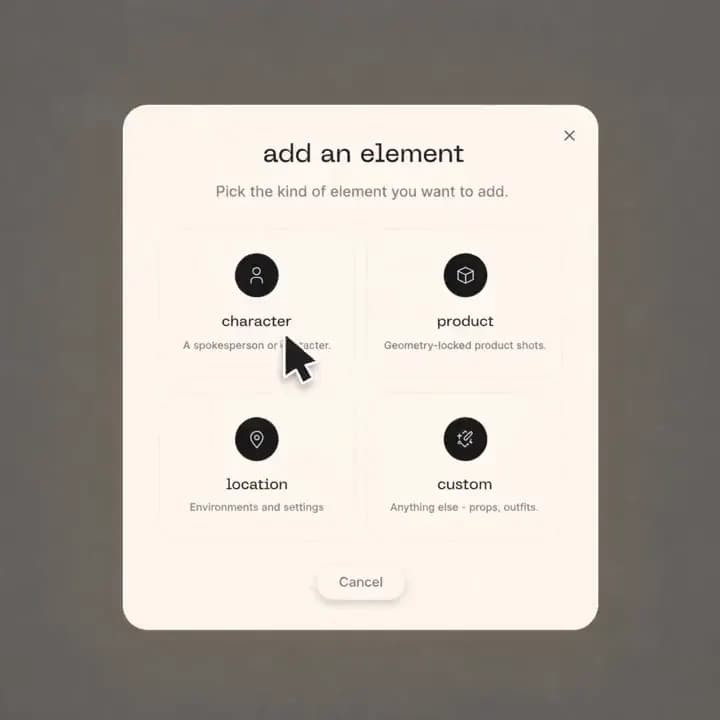
Branch the versions
Duplicate the scene list and change one thing at a time: the opening hook, the setting or the closing line. Keeping to one change makes the results easier to read.
Export each ratio
Export each version in the ratios of your placements, such as 9:16, 4:5 and 16:9, and name the files so your ad account stays tidy.
What a batch of ad versions costs
A 15 second 720p video is 515 credits, $5.15.
- Creator, $39 a month, makes about 7 videos of 15 seconds.
- Pro, $99 a month, makes about 19 videos of 15 seconds and adds 4K export.
- Starter, $9 a month, is for a personal test on your own photo, and the commercial license starts with Creator.
Plan the batch before you generate: list the hooks you want to compare and multiply by the cost of one video.
See HubContent for brand teamsQuestions about generating ad variations
How many versions should I make for a test?
Begin with a small set that differs on one variable, for example three hooks on the same product scene. A tidy small test teaches more than a pile of unrelated ads.
What should change between versions?
Change the first scene before anything else, since the opening decides whether a viewer keeps watching. Hold the product, the sound and the offer line steady while you compare hooks.
Does the generator tell me which ad will win?
No. HubContent makes the videos and your ad account shows how people respond, so the choice of winner stays with your data.
Can the same product look identical across versions?
The product is kept as an element and each scene starts from your photo, which keeps versions close. Review each export against the real item.
Which ratio should each version use?
Match the placement: 9:16 for Stories and Reels, 4:5 for the feed, 1:1 where a square fits. Export each version in the ratio of the slot it runs in.
Build your first set of ad versions
Write one brief, add the product photo and branch the first two hooks.
Start with Creator, $39