
Product ad from a single packshot
Make a product video from one photo with AI
Upload one photo of your product and HubContent writes the script, builds the scenes and adds sound, so a brand owner can turn a packshot into a short ad inside a single project. Creator is $39 a month with a commercial license.
Ads and store use need Creator or above. Starter is for a personal test.
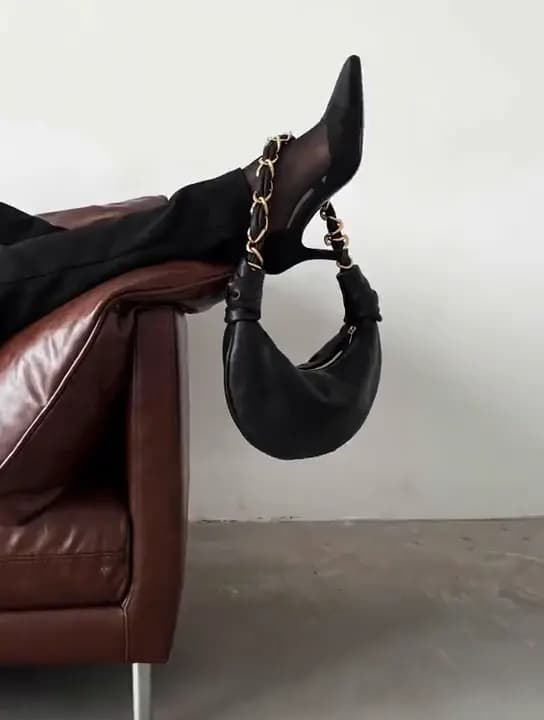
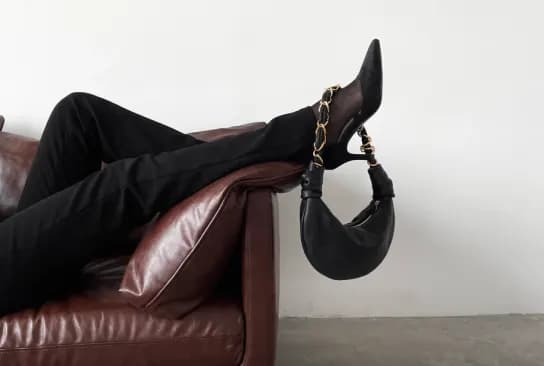 Your photo
One handbag photo in, one campaign shot out
Drag the handle. The left side is the photo the video started from, the right side is the clip made from it.
From packshot to ad in three steps
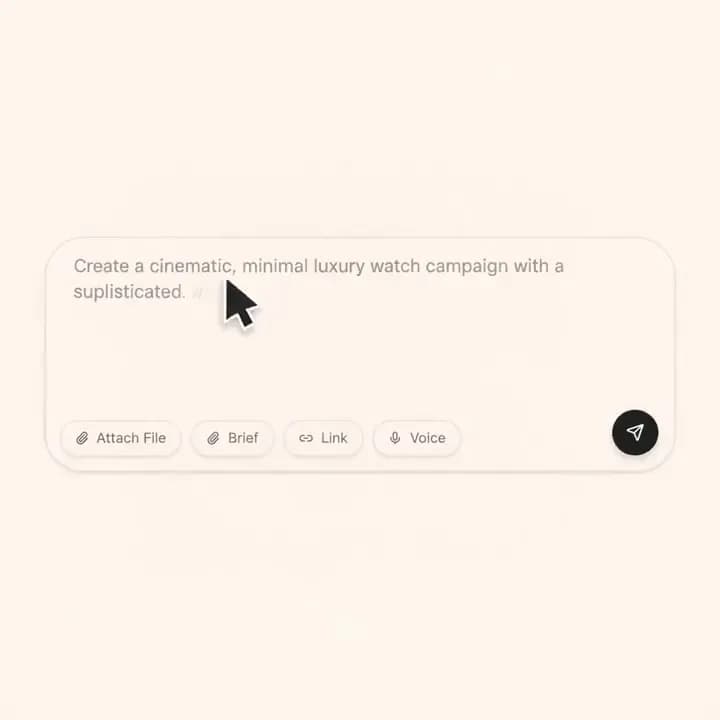
Add the product photo
Upload the packshot and write one line about the ad you want. The product is saved as an element, so every scene starts from the same item.
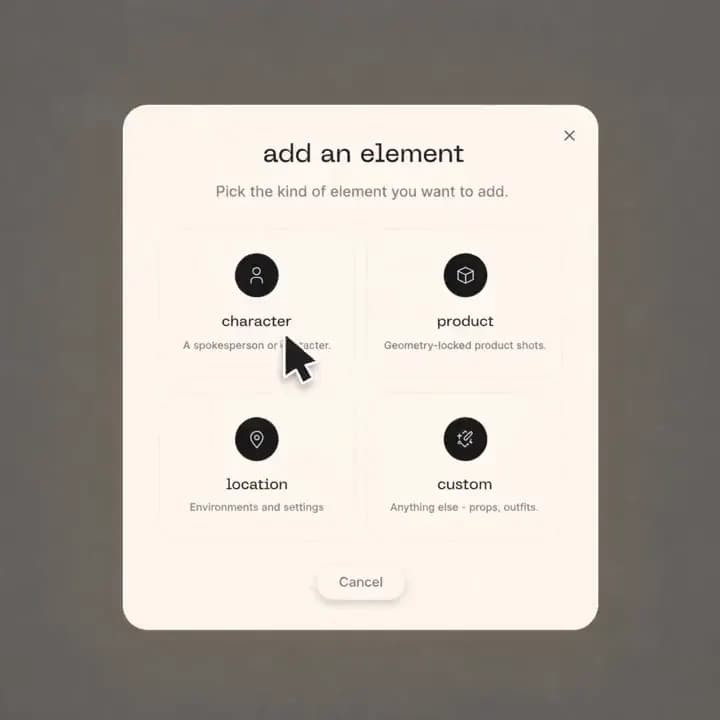
Review the scenes
The script and the scene list come back as a draft you can edit. Change the setting, the camera move or the mood of a scene before it is generated.
Edit, add sound, export
Regenerate a scene that is off, add sound, then export without a watermark in the ratio your placement needs.
What one product ad costs
A 15 second 720p video is 515 credits, $5.15.
- Creator, $39 a month, makes about 7 videos of 15 seconds.
- Pro, $99 a month, makes about 19 videos of 15 seconds and adds 4K export.
- Starter, $9 a month, is for a personal test on your own photo, and the commercial license starts with Creator.
A single hero product with a handful of scenes fits inside one Creator month, with room left for alternative takes.
See HubContent for brandsQuestions about product videos from a photo
What photo works best for a product video?
A sharp packshot with the whole product in frame and clean edges works best. Avoid heavy crops, strong filters and photos where a hand or a prop covers the label.
Will the product stay the same in every scene?
Each scene starts from your photo and the product is kept as an element in the project. Still, look at logos and small print in every scene before you export, because generated video can shift fine detail.
Which ratio should I export?
Choose the ratio of the placement: 9:16 for Stories and Reels, 4:5 for a feed ad, 16:9 for a site banner. The studio also exports 1:1, 3:4 and 4:3.
Can I make several ads from one photo?
Yes. Keep the product element and write a new brief for each angle, such as a close-up, a lifestyle scene or a seasonal setting.
Can I add people to the product video?
Yes. HubContent builds characters as well as the product, so a person can hold or use the item in the scene.
Put your packshot to work
Upload the photo you already have and see the first scenes of your ad.
Start with Creator, $39