
For Shopify store owners
AI video ads for your Shopify store
Take a product photo from your Shopify store, add it to HubContent, and the studio builds a short video ad around it with scenes and sound that you export for your ad accounts. Creator is $39 a month with a commercial license.
Ads and store use need Creator or above. Starter is for a personal test.
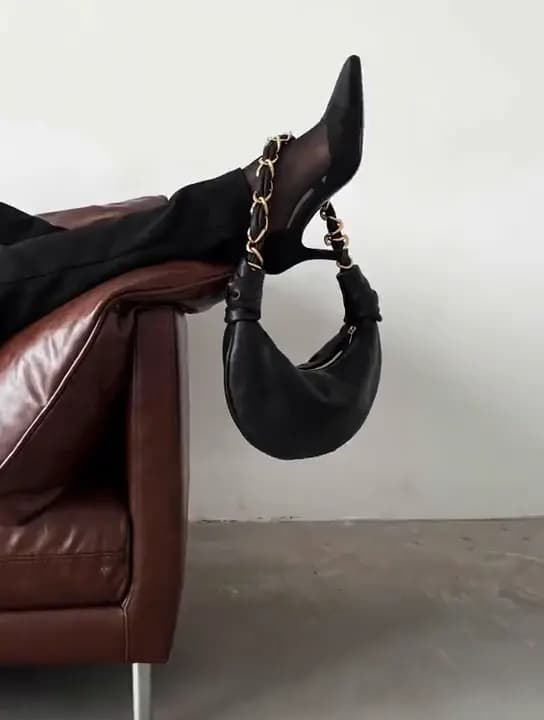
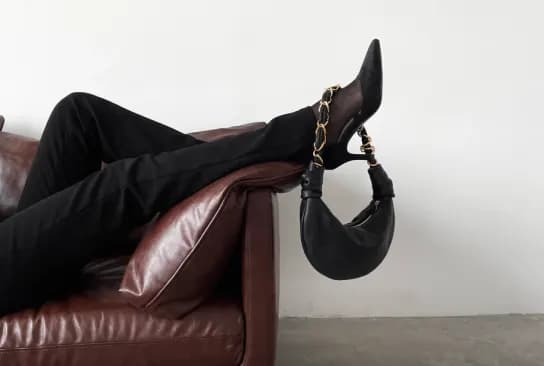 Your photo
A store photo of a handbag, and the ad made from it
Move the handle across the image. The store photo sits on the left and the finished clip on the right.
From a product page to a video ad
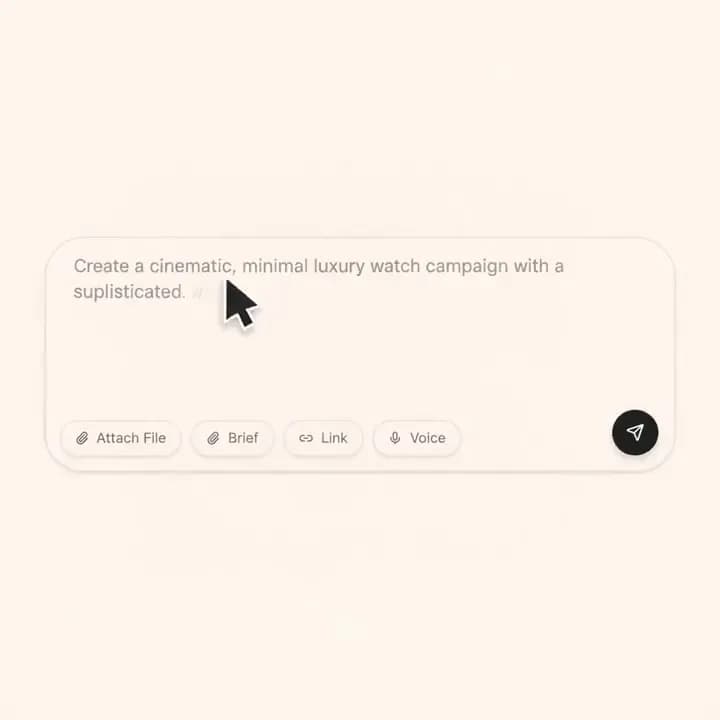
Take a photo from your product page
Pick the cleanest image of the product in your store and add it with a short note about who the ad is for.
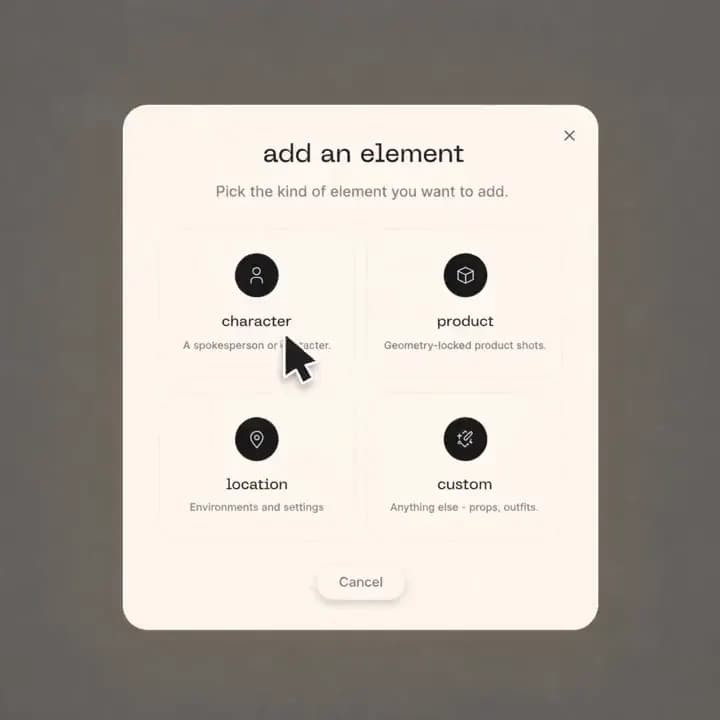
Choose the angle of the ad
The scene list proposes a few directions. Keep the one that fits the offer on your page and edit the wording of every scene.
Export for the placement
Add sound, regenerate any weak scene and export in 9:16 for Stories, 4:5 for the feed or 1:1 for a catalog placement.
What a store ad costs
A 15 second 720p video is 515 credits, $5.15.
- Creator, $39 a month, makes about 7 videos of 15 seconds.
- Pro, $99 a month, makes about 19 videos of 15 seconds and adds 4K export.
- Starter, $9 a month, is for a personal test on your own photo, and the commercial license starts with Creator.
Stores with a handful of hero products can give each one a Creator-sized batch of takes and see which ad the audience answers.
See HubContent for sellersQuestions from Shopify store owners
How does a photo get from my store into HubContent?
You save the product photo from your store and upload it to the studio yourself, then place the exported video wherever you need it. The work happens in the studio, not inside your Shopify admin.
Which product photo should I use?
Use the main image from the product page, shot on a plain background with the full item visible. A busy lifestyle photo leaves the studio less to build on.
Can I put the video on the product page too?
Yes, you can upload an exported file to the product page like any other video. Pick 1:1 or 4:5 so it sits well beside the gallery.
Do I need Creator for store ads?
Ads and store use need the commercial license, which starts with Creator. Starter suits a first test on your own photo.
Can I change one scene without redoing the video?
Yes. You can regenerate a single scene and keep the rest, then finish the edit and sound in the same workspace.
Turn a product page into an ad
Add a photo from your store and watch the scenes of your first video ad appear.
Start with Creator, $39