
Vertical product clips
AI TikTok videos for your products
Add a photo of your product and HubContent builds a short vertical video for TikTok from it, with scenes and sound, exported in 9:16 so you can post it from your own account. Creator is $39 a month with a commercial license.
Ads and store use need Creator or above. Starter is for a personal test.
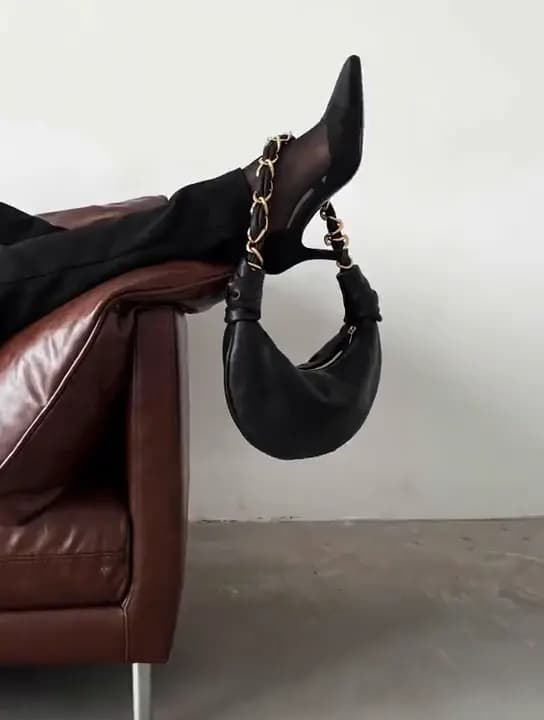
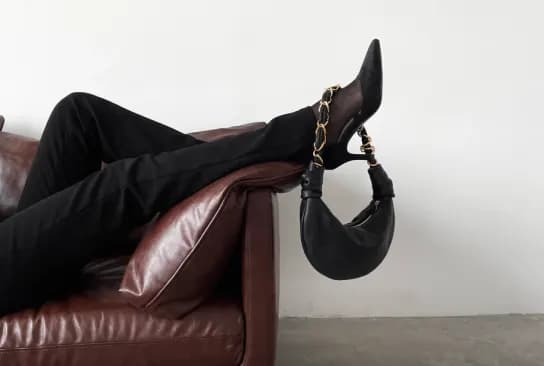 Your photo
A handbag photo and the clip you can post
Drag the handle to move between the product photo and the generated vertical clip.
From product photo to a clip for the feed
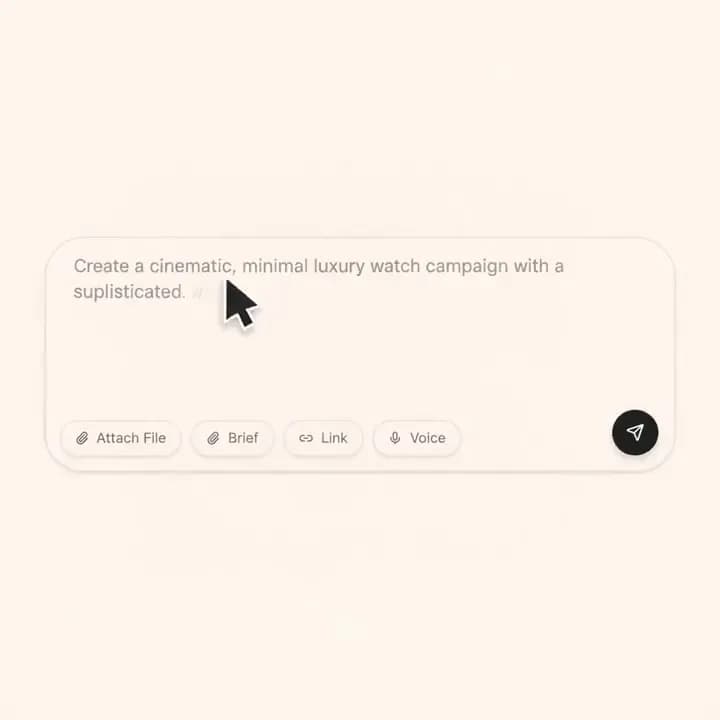
Add the product and the hook
Upload the photo and write the first line a viewer would see, such as a question or a small reveal.
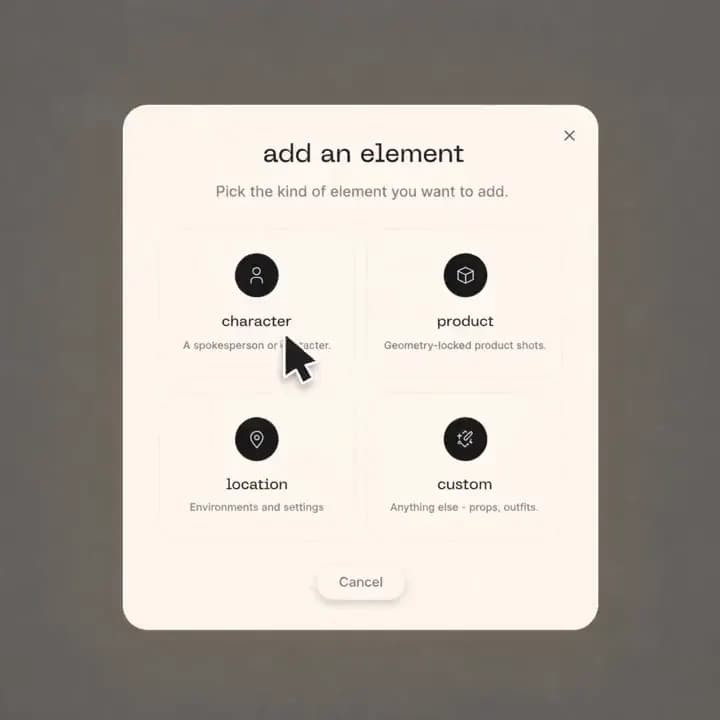
Cut the scenes short
Keep each scene brief and change the camera angle between them, so the clip keeps moving from the first second.
Export vertical and post
Add sound, regenerate any scene that drags and export 9:16 without a watermark. You upload the file to TikTok yourself.
What a TikTok clip costs
A 15 second 720p video is 515 credits, $5.15.
- Creator, $39 a month, makes about 7 videos of 15 seconds.
- Pro, $99 a month, makes about 19 videos of 15 seconds and adds 4K export.
- Starter, $9 a month, is for a personal test on your own photo, and the commercial license starts with Creator.
Short clips are cheap to repeat, so seller accounts can try several openings for the same product.
See HubContent for TikTok sellersQuestions about TikTok product videos
Does HubContent post to TikTok?
No. There is no auto-posting: you export the 9:16 file and publish it from your own account.
What makes a product clip fit the feed?
An opening that shows the product or its payoff in the first beat, plain framing and on-screen text kept inside the safe area. Long intros and slow fades lose viewers before the item appears.
Should I use trending sounds?
Sounds from the platform library belong to the platform and are added at upload. Use the sound that HubContent adds for the draft and choose the platform sound when you post, following its current rules.
Do I need to mark the video as AI?
Check the current TikTok policy on AI-generated content and apply any label it asks for. The rules change, so read them again before each campaign.
Can I make several openings for one product?
Yes. Generate several first scenes from the same product photo and test which opening holds viewers.
Make your first vertical clip
Add a product photo and write the opening line of the clip.
Start with Creator, $39