

Why use a checklist at all?
Because generated video fails in small, specific ways that you only see if you look for them. A tired eye at the end of a long session reads a scene as fine when a logo has shifted.
A checklist makes the look the same every time. Print it or keep it beside the export screen, and tick the boxes before you click.
How do I check the product?
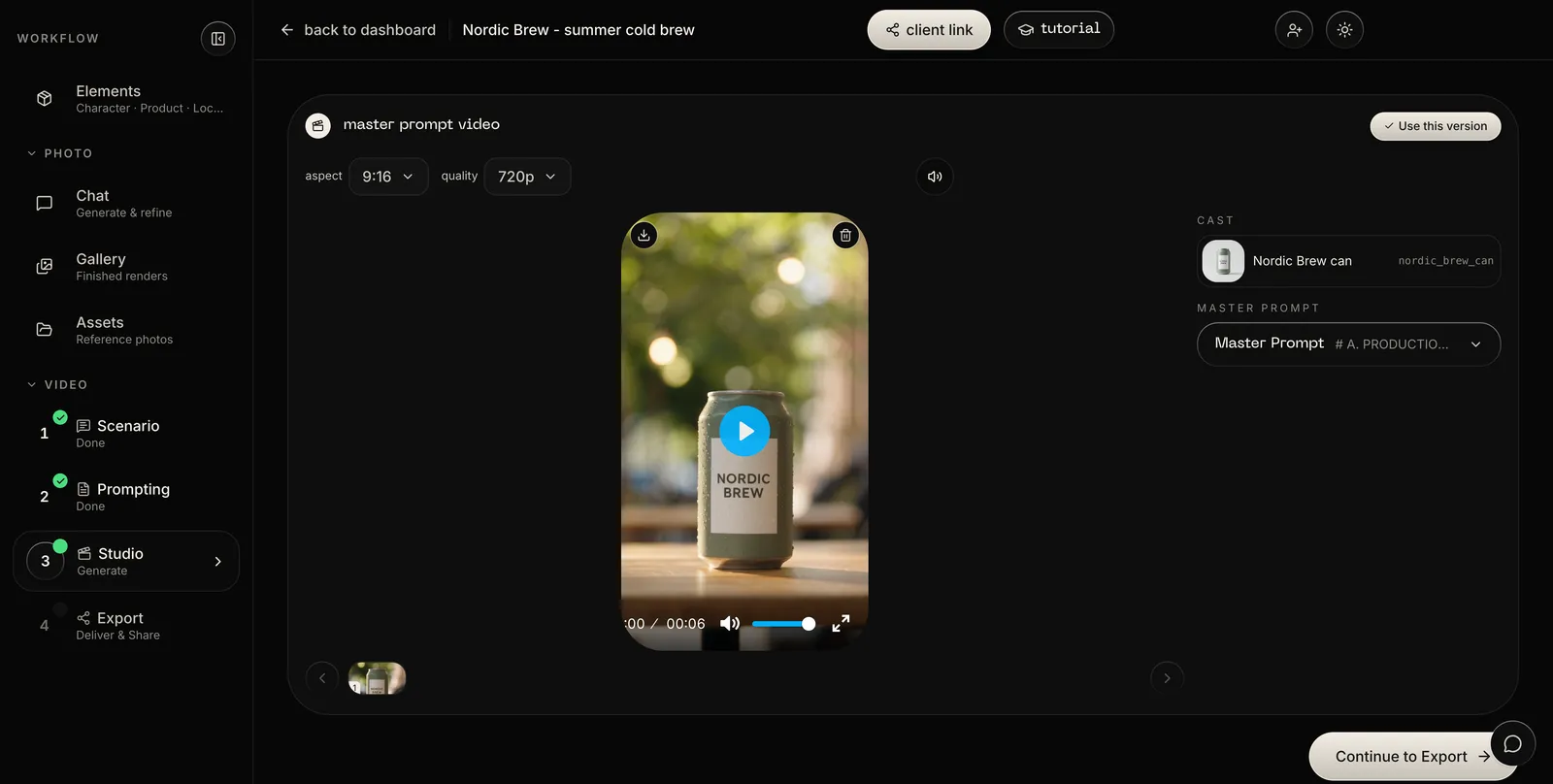
- Watch every scene at full size next to the real item.
- The shape, color and proportions match what you ship.
- The logo and the label are correct and readable where they should be.
- The number of items in frame is right.
- Nothing is added that you do not sell, such as an extra ingredient, a badge or a prop.
Each scene starts from your photo and the product is kept as an element, which keeps scenes close to each other, but fine detail can still shift. A scene that misses can be regenerated alone while the rest stays.
What about hands and people?
Look closely at any scene with a hand or a person. Count fingers, check how the hand holds the product, and check that the product does not pass through the hand. These are the places where generated video most often looks wrong.
If you are not sure about a scene, regenerate it or cut it. A shorter ad with clean scenes beats a longer one with a flaw. For ads that show a person, remember that the people are AI characters and must not be presented as real customers.
How do I check the claims?
- Read every line of on-screen text out loud.
- Check that each claim is true and that you can show why.
- Check that the sound does not say something the text does not.
- Remove any line that makes a promise about results you cannot support.
In some categories, such as beauty, health and food, claims are regulated. I am not a lawyer, so check the rules of your category and country.
What should I check in the sound?
Play the ad with the sound on and then with it off. Some viewers watch without sound, so make sure the ad still works with on-screen text alone. HubContent does not clone a voice and does not promise a lip-synced presenter, so a long monologue is not the plan anyway.
If you add a track from a platform library at upload, check that it is allowed for the kind of account you run.
How do I check the format?
- The ratio matches the placement: 9:16 for Stories and Reels, 4:5 for the feed, 16:9 for a banner or YouTube.
- Text sits inside the safe margin and is not under the platform buttons.
- The first frame works as a thumbnail.
- The file has no watermark and is in the quality you meant to export.
Open the export on a phone. What looks right on a desktop preview can look different in a vertical player. The ratio choices are explained in which video ratio to use for each ad placement.
What about the license and the platform rules?
Confirm that you are on a plan with the commercial license. At HubContent that starts with Creator, $39 a month, and Starter is a personal test. Then read the current policy of the platform about AI-generated content and apply any label it asks for.
The reasoning is in do I need to disclose an AI video ad?.
What should I keep?
Keep the project and the exported file. If a platform or a client asks how an ad was made, you can show them. If you work for a client, keep a record of what they approved. The review link records their comments in one place.
Who should do the check?
If you can, someone other than the person who made the ad. The maker sees what they intended, and a fresh reader sees what is on the screen. For a small team, a short handover to a colleague is enough.
For client work, the review link lets the client do part of the check, but they will look at the idea and not at the stitching on a seam. The product check is still yours.
How long should the check take?
For a 15 second ad, a few minutes: watch it through with the product beside you, then again with the sound off, then once on a phone. I have not timed this over many ads, so treat that as a guide and not a standard.
If a check keeps finding problems, the cause is upstream. Look at the photo and the brief, and fix them there.
What should I do after I publish?
Watch the first results and write down what you saw. Your ad account shows how people respond, and the studio does not. When you are ready to make the next version, the page for brands shows the flow, and the plans are on the pricing page.