

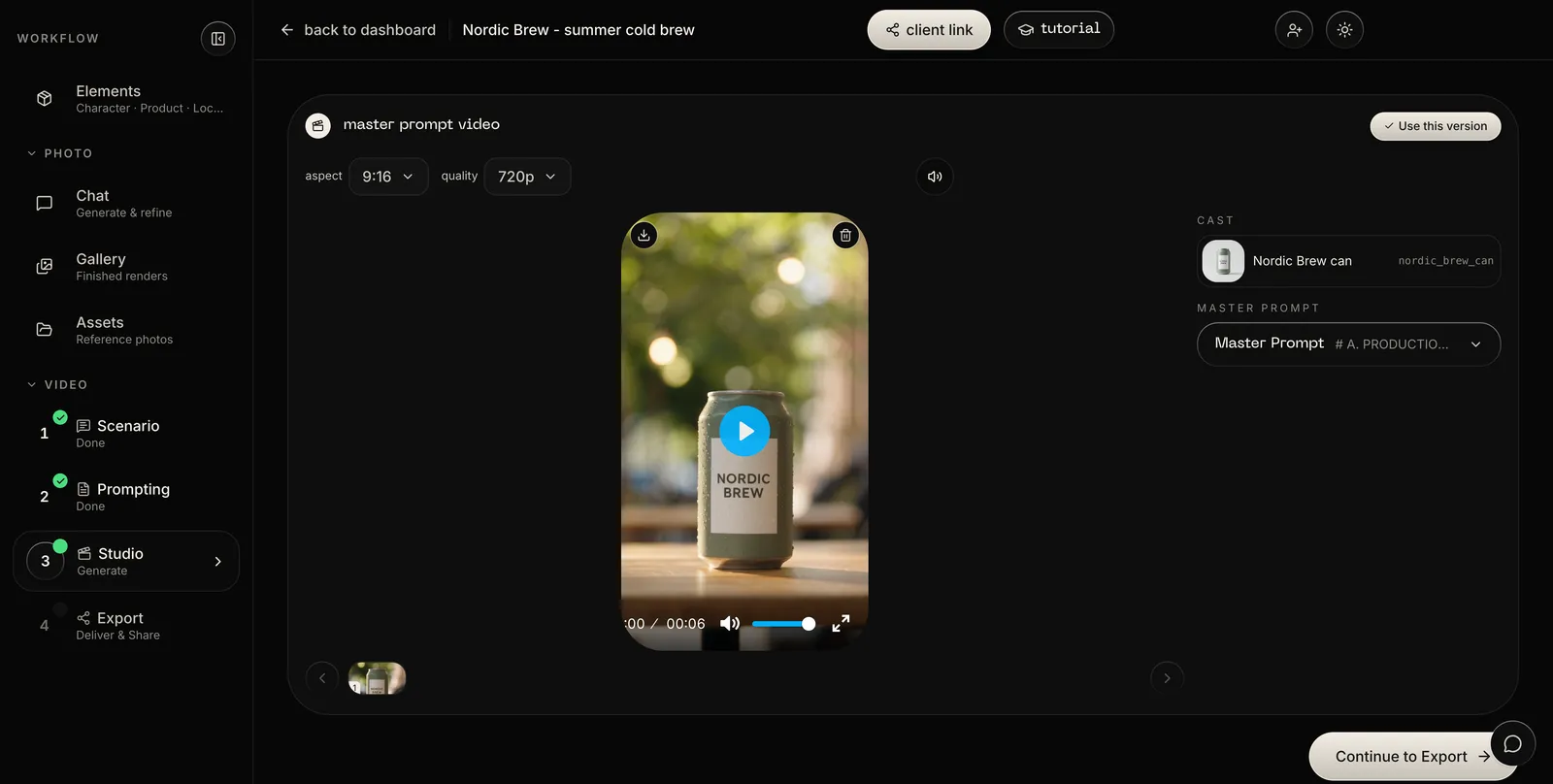
What is an aspect ratio?
An aspect ratio is the shape of the video, width compared to height. 9:16 is tall, like a phone held upright. 16:9 is wide, like a television. 1:1 is a square, and 4:5 is slightly taller than wide.
It matters because a video in the wrong shape gets cropped or surrounded by bars. If the platform crops it, the product you carefully framed can end up cut in half.
Which ratios does HubContent export?
The studio exports six ratios: 1:1, 4:5, 3:4, 9:16, 16:9 and 4:3. Each can be exported in 720p, 1080p or 4K, without a watermark. Pro adds 4K export.
You pick the ratio when you export, so one project can leave in several shapes. I would still choose the main ratio before you generate, which I explain below.
Which ratio goes with which placement?
- 9:16 for Stories, Reels, TikTok and Shorts. This is the full-screen vertical slot.
- 4:5 for a feed ad on a social platform. It takes more of the screen than a square does.
- 1:1 where a square fits, such as some feed and carousel slots.
- 16:9 for a website banner, a product page header or YouTube.
- 3:4 and 4:3 for placements that ask for them. Check the spec first.
These are the common matches, not a rulebook. Placements and their specs change, so open the current guidelines of the platform you are using before each campaign. I do not quote platform limits here because I cannot promise they are still true when you read this.
Should I make one version or several?
Make the one ratio you will spend most of the budget on first, and add the others once the ad works. A vertical ad exported later as a square is a fine second version. A wide ad exported as a vertical one often needs different framing.
If you plan to run the same ad in two or three shapes, say so in the brief. Keep the product near the center of each scene so a crop does not remove it.
Where should the text and the product sit?
Keep the product near the middle and keep on-screen text inside a safe margin away from the edges. Full-screen vertical placements put buttons, captions and the account name over the video, and text close to the edge disappears under them.
- Leave room at the top and the bottom of a vertical video.
- Put the offer line in the middle third of the frame.
- Check a vertical export on a real phone before you publish.
- Do not put a logo that must be readable in a corner of the frame.
How does the ratio change the way I write the brief?
A vertical frame favors one tall subject: a bottle, a person, a pour. A wide frame favors a setting with room around the product. If you describe a wide kitchen scene and export it as 9:16, the product may sit small in the middle.
So decide the main placement first, then write scenes that suit its shape. Our guide to turning a product photo into a video ad has the steps in order.
Does exporting several ratios cost more?
Read the credit cost in the studio before you export, because I do not want to guess at it. The only figure I publish is that a 15 second video at 720p is 515 credits, which is $5.15. Higher quality costs more, and 4K export is part of Pro.
If you need the commercial license for ads, it starts at Creator, $39 a month. Starter, $9 a month, is a personal test.
What else should I check on each platform?
Check the length limit, the file size, the rules for AI-generated content and any label the platform asks for. HubContent does not post to your accounts. You export the file and upload it yourself, so the checks are yours.
For vertical short video there is a separate piece, AI product videos for TikTok and Reels.
Can I reuse a vertical ad as a square or a wide one?
Sometimes. A vertical video exported as a square works if the product stays in the center. Exporting it as a wide video usually leaves the product small, because the scenes were framed for a tall shape.
If the placement matters for your budget, generate the scenes for that shape. A scene framed for the slot looks like it belongs there.
How do I check an export on a phone?
Send the file to your phone and play it in the same kind of player the audience will use. Look for text under buttons, a product cut at the edge and a first frame that does not read as a thumbnail.
Do it before you upload to the ad account. A re-export is easy, and a live ad you have to take down is not.
Where do I start?
Start with the placement that carries your budget, write the brief for that shape and export it. Add the other ratios when the first one earns its place. The page for brands shows the flow from the first photo.